
Introduction
At work, one of our major responsibilities is helping instructors create courses with Universal Design in mind. So I wanted to see what WebAim’s tool, the Web Accessibility Evaluation Tool – otherwise known as WAVE could do. According to its webpage and video explanation, WAVE can detect and report issues with text, color, links, and images that can make visibility difficult or navigation challenging even with assistive technology.
I chose to scan two pages, one with a clean, minimal layout, and another with multiple images and colors.
Quality Matters – Rubric Standards Page
I chose this page because it has not changed much since I first read its contents almost eight years ago.
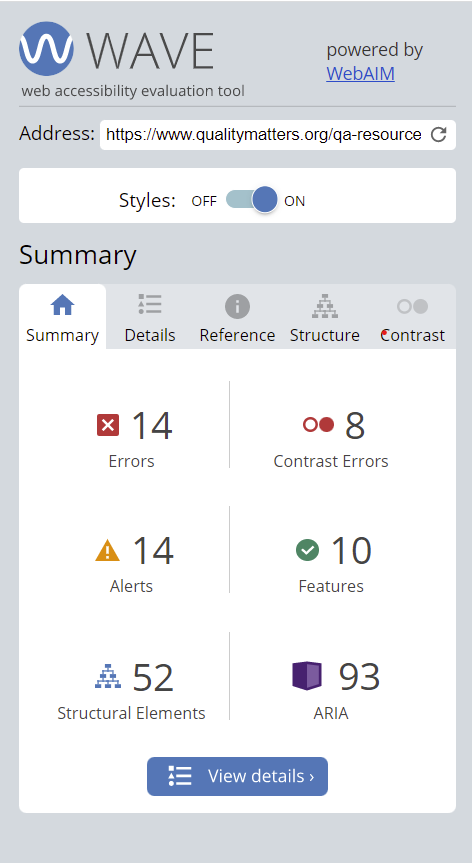
A total of 14 errors that were identified as contrast, broken Aria links, and empty links. Because contrast and the empty links are the most numerous and the most visible, I would work on them first.
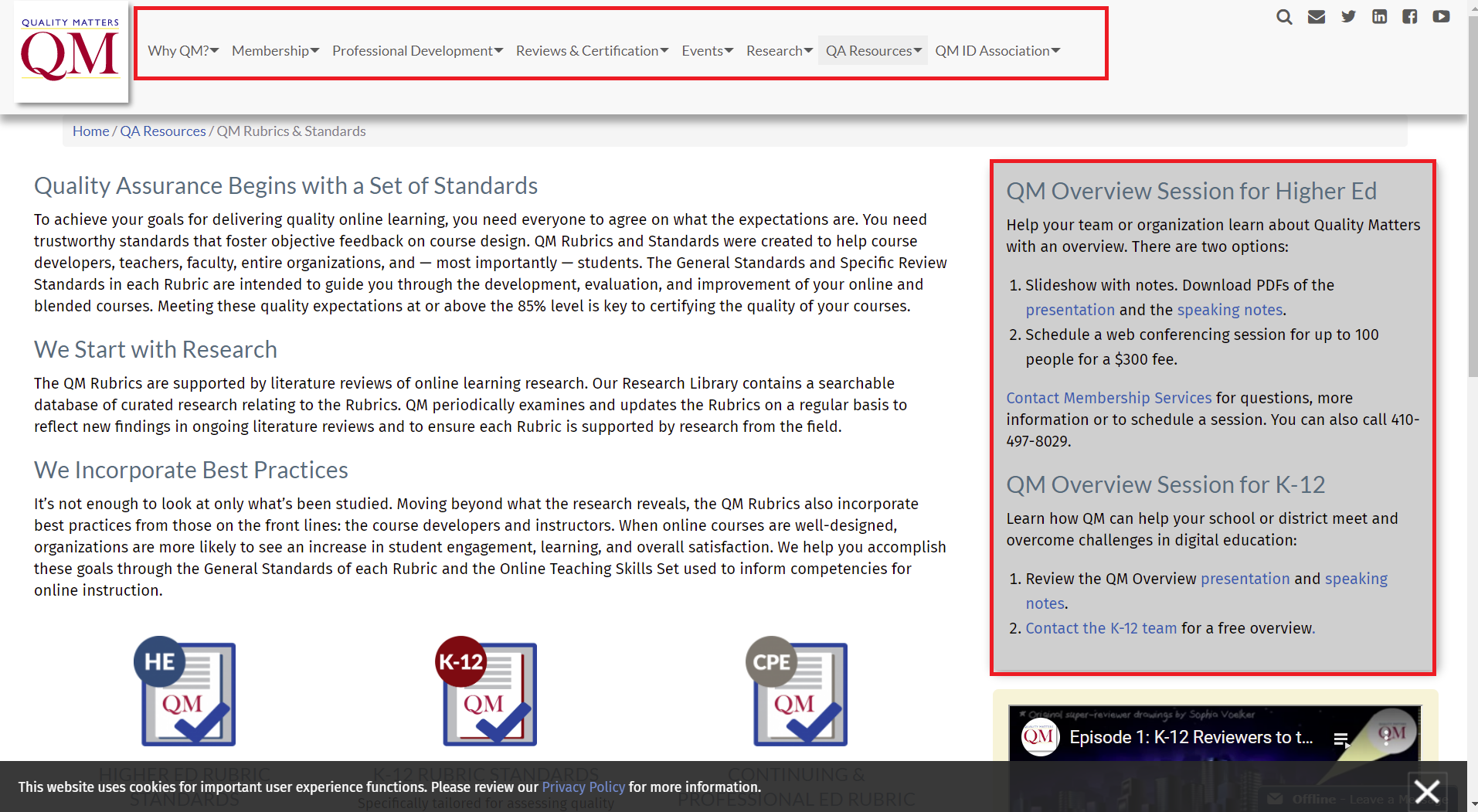
Empty Links
Empty links in a WAVE report means that a link does not explain its purpose to the user. Although it is not readily visible, I would add an explanation to the links to prevent keyboard and screen reader users confusion.
Contrast
Most of the text and background have high contrast, because the most important information is posted in black and white. However, the text box for the QM Overview setups are difficult to read because the black or blue text bleed into the grey background. Because this grey is part of the QM color palette, I would try to experiment with lighter text colors or just make the grey color a border to and make the text box white to echo the icon designs for the different QM Rubrics.
The Dallas Observer
The Dallas Observer is a local independent news source that did not charge readers because its pages were packed with advertisements. The online version has not deviated from the look.
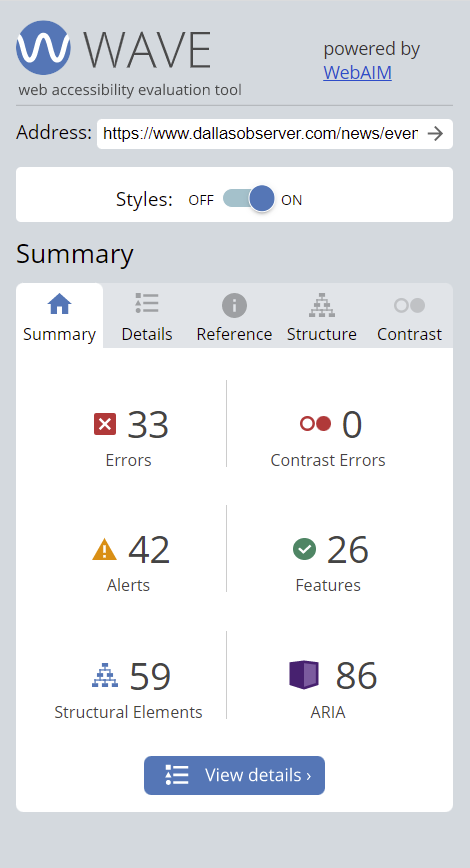
WAVE identified a total of 33 issues, the most cited missing alt tags and empty links. Unfortunately, because the Dallas Observer article was so link and image dense, WAVE did not show where the errors appear on the page.
However, even if I knew where the issues were located, I would still choose to fix the Alt tags and links.

Alt Tags
WAVE actually treated missing alternative text and alternative text images as two separate issues but they both result in the same problem, preventing screen readers and other assistive devices from identifying images. Adding alt tags is especially important because the number of images with missing alt tags coincide with the advertisement images. Alt tags would ensure more advertising dollars because more people know what the images are for.
Empty and Redundant Links
As mentioned earlier, I would write descriptions so the links have a description, but I would also review as many redundant links, multiple links that go the same page. There are over 20 redundant links cited and although they are listed as alerts, they are more numerous than the issues listed as errors.
Conclusion
Although the two webpages are very different in tone and topic, it is interesting to see there is always room for improvement as online technology advances. Using the WAVE tool was quicker than I anticipated. As I continue to create my own posts, I think that I will start using WAVE to check my content.
 June Haldeman
Leave a comment